
Contractor Websites in Sioux City: What Actually Brings In Calls
The contractor websites that bring in the most calls are rarely the prettiest ones. They load fast on a phone, put a tap-to-call button at the top of every page, show photos of real jobs, name the towns they work in, and make it obvious the company is licensed and insured. That covers most of it.
Whether you are a roofer, plumber, HVAC tech, electrician, concrete crew or remodeler, your customer usually finds you the same way. Something breaks or a project finally gets approved, they pull out a phone, search, and call the first company that looks legit and is easy to reach.
This guide covers exactly what a contractor site in Sioux City needs, what it doesn't, and how to get ready for storm season before the phones start ringing for someone else.
How homeowners actually pick a contractor
Picture a hailstorm rolling through Morningside on a June evening. The next morning a homeowner sees shingles in the yard and a water stain on the ceiling. They search "roofer near me" on their phone, open three or four results, and call the first one that answers a few quick questions:
- Do they do this kind of work?
- Do they work in my town?
- Are they real, local and insured?
- Can I reach them right now?
Or picture a furnace quitting on a January night when the wind chill is well below zero. Nobody in that house is reading your company history. They want a phone number they can tap and some sign you will actually show up.
Your website's job is to answer those questions in about five seconds. Everything else is secondary.
Pretty site vs lead site
Here is the difference between a site that looks nice and a site that brings in work.
| Pretty site | Lead site | |
|---|---|---|
| Top of the page | Big video or stock photo, vague slogan | What you do, where you do it, and a call button |
| Phone number | In the footer, not tappable | Tap-to-call, visible on every page |
| Photos | Stock images of smiling models | Real jobs, real crews, local houses |
| Service area | "Proudly serving the area" | Named towns: Sioux City, South Sioux, Sergeant Bluff, Le Mars, North Sioux City |
| Quote form | 12 required fields | 4 or 5 fields, photo upload optional |
| Trust | Nothing specific | License and registration numbers, insured, years in business, warranty |
| Reviews | None, or a few unattributed quotes | Real Google reviews with names |
| Speed on a phone | Slow, heavy, jumpy | Loads fast on cell data |
A pretty site is not bad. But if you have to pick, pick the lead site every time. You can always make a fast, clear site look good. It is much harder to make a slow, cluttered one bring in calls.
The must-haves, one by one
Click-to-call on every page
Your phone number should be at the top of every page and tappable on a phone. A sticky call button at the bottom of the screen on mobile is even better. If you take texts, say so. Many people would rather text a photo of a leaking pipe than explain it.
Service-area info that isn't spam
List the towns you actually work in. Siouxland covers three states, so a Sioux City contractor might serve South Sioux City and Dakota City in Nebraska, North Sioux City and Dakota Dunes in South Dakota, and Sergeant Bluff, Le Mars and Hinton in Iowa. Put that list on your homepage and your contact page.
Separate pages for each town can help, but only if each one has something real on it: photos of jobs in that town, the kind of work you do there, a note on local conditions. Ten copies of the same page with the town name swapped will not do much.
Photos of real jobs
Before and after shots of a roof tear-off, a finished basement, a new concrete driveway or a clean panel upgrade beat any stock photo. Phone photos are fine if they are well lit and in focus. Our phone-only guide to website photos shows how to get good shots on a job site in a couple of minutes.
Reviews you can point to
Your Google reviews are your best sales pitch. Link to them from your site, and show a few with the customer's first name and town. The real work is asking every happy customer, every time. Our post on getting more Google reviews has simple scripts you can text after a job.
License, registration and insurance
This is where contractors leave the most trust on the table. If you are registered with the state of Iowa as a contractor, put your registration number on the site. If your trade carries a state license, like plumbing, electrical or HVAC work, list it. Say plainly that you are insured. Add years in business, any warranty you offer, and manufacturer certifications if you have them.
Homeowners who have been burned before look for these. Most of your competitors do not show them.
Quote forms that don't scare people off
A long form loses people. Ask only for what you need to call them back:
- Name
- Phone number
- Town
- What's going on (one open text box)
- Optional photo upload
Then tell them what happens next: "We return calls the same business day." Only say that if it is true.
Speed on a phone in a truck
Your customers are on phones. So are you, when you pull up your own site in a driveway to show someone your past work. A site that takes ten seconds to load on one bar of signal is costing you jobs. Big background videos, sliders and heavy plugins are the usual culprits.
Quick tip: Test your site the way customers use it. Turn off Wi-Fi, stand in your driveway and load it on your phone. Time it. Then try to find your phone number and call yourself.

Start with a free 20-min call.
Talk through your website, your goals and what comes next. No pressure.
Book a free callGetting ready for storm season and seasonal spikes
Contractor traffic in Siouxland comes in waves. Spring and summer storms bring hail and wind damage for roofers, siding, gutter and tree crews. The first hard freeze brings furnace calls and frozen pipes. Spring thaw brings concrete, flatwork and basement water calls.
The time to prepare is before the wave, not during it.
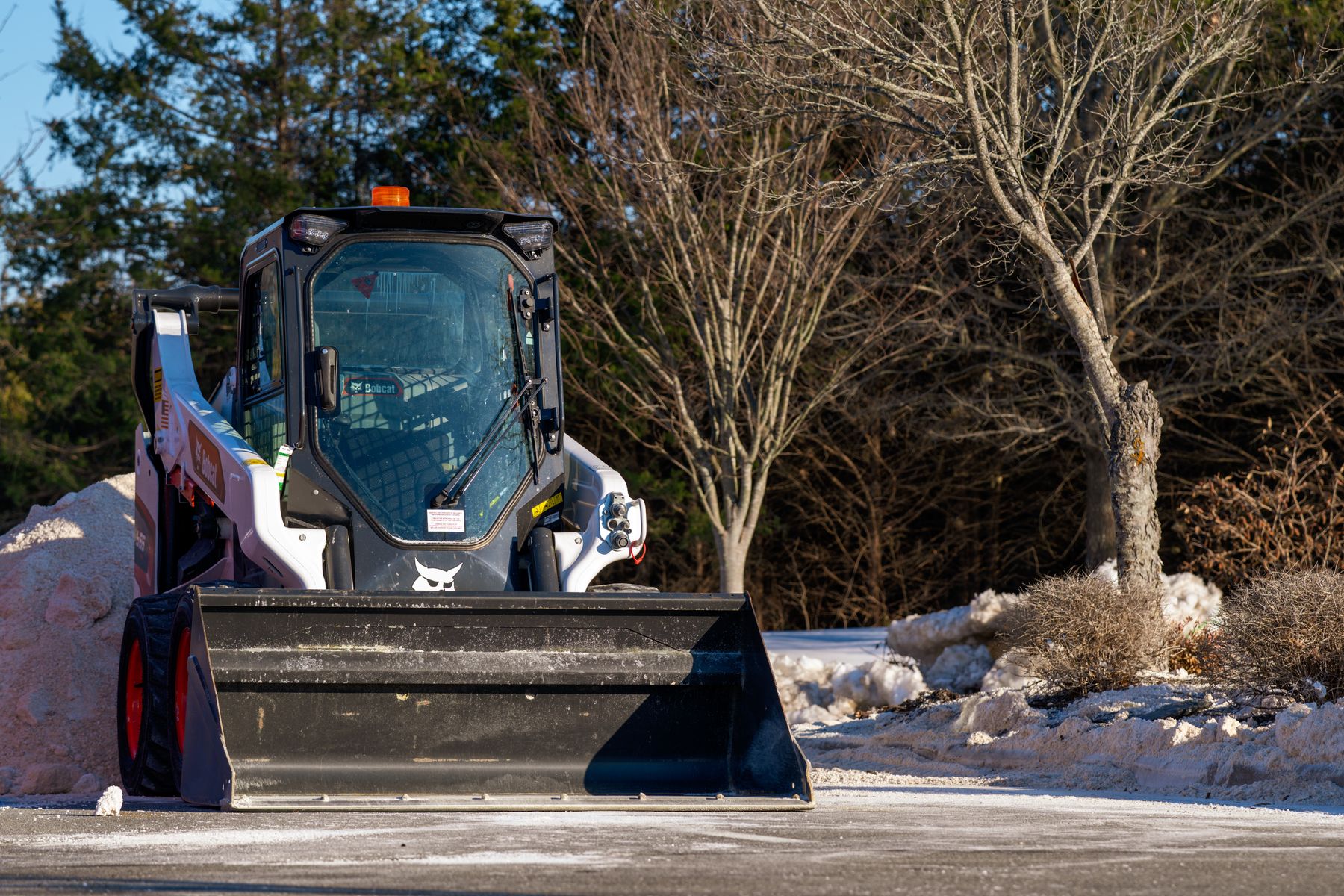
- Keep a seasonal page ready. A storm damage page, a winter furnace page or a snow removal page you can feature on the homepage when the time comes. Our post on snow removal websites covers the winter side in detail.
- Update your homepage banner. "Booking hail inspections in Sioux City and South Sioux this week" tells people you are working, and local.
- Show that you are local. After a big hail event, out-of-town crews often roll in. Homeowners want to know you will still be around next year if the roof leaks. Your town, years in business and local job photos say that better than any slogan.
- Check your hours and phone setup. If you are slammed, say so honestly and give a realistic callback window.
Your Google Business Profile matters as much as your site
For most contractors, the map results bring in more calls than the website itself. Make sure your profile is complete:
- Service-area business setup. If you work out of your home or shop and customers don't visit you, you can hide your address and list your service areas instead.
- The right categories. Pick the primary category that matches your main work, then add secondary ones.
- Services listed. Every main service, in plain words.
- Photos. Add new job photos regularly. It shows you are active.
- Accurate hours. Only list 24/7 or emergency service if someone actually answers.
- Reply to reviews. A short thank you on the good ones, a calm and helpful reply on the bad ones.
Your website and your profile should match: same business name, same phone number, same services, same towns. Our Google Business Profile setup guide walks through every field step by step.
The contractor website checklist
Here is the short list. If your current site misses more than two or three of these, it is probably costing you calls.
Your checklist
- Phone number at the top of every page, tap-to-call on mobile
- Headline says what you do and where, in plain words
- Named list of towns you serve
- Photos of real jobs, not stock images
- License, registration and insurance info clearly shown
- Real reviews, with a link to your Google profile
- Short quote form, 5 fields or fewer
- A clear line on when you call people back
- Loads fast on a phone on cell data
- A seasonal or storm page ready to feature
- Same name, phone and services as your Google Business Profile
What a $1,320 contractor site looks like
Our done-for-you website is $1,320 flat, paid upfront. It includes up to 5 pages, mobile-first design, basic SEO, a contact form, domain connection and 2 rounds of revisions. For most contractors, five pages is plenty:
- Home: what you do, where you work, call button, a few reviews
- Services: each main service with a short description and photos
- Recent Work: a gallery of real jobs
- About: years in business, license, registration and insurance info
- Contact: a short quote form, phone, service area
Hosting & Care is $32 a month or $320 a year. It covers managed hosting, security and 1 hour of updates a month, which is usually enough to swap in a storm banner, add new job photos or update your service list.
If you want separate pages for a dozen towns, a customer portal, online payments or financing tools, that is bigger work and gets quoted separately. If you want something to answer basic questions after hours, there is an optional $320 AI chatbot add-on. For most trades, though, a tap-to-call button is still the best lead tool there is.
Honest take: If you already have more work than you can handle from referrals, you don't need a fancy site. A clean one-page site with your number, towns and license info might be all you need right now.
FAQ
Do contractors really need a website if most work comes from referrals?
Usually, yes. Even referred customers look you up before they call. If they can't find a site, or find one that looks abandoned, some of them will call the next name instead.
Should I put prices on my contractor website?
Exact prices are hard for most trades because every job is different. Ballpark ranges or "most jobs like this run between X and Y" can help people self-qualify and cut down on tire-kickers. If you offer free estimates, say that clearly.
How many service-area pages do I need?
Start with a clear list of towns on your homepage and contact page. Add separate town pages only when you have real content for them, like photos and notes from jobs in that area. A few useful pages beat a pile of copied ones.
Should I use a quote form or just a phone number?
Use both. Some people want to call right now, and some would rather send a form at 11 p.m. after the kids are asleep. Keep the form short and make the phone number tappable.
What if I work out of my house?
That is common for trades. Set up your Google Business Profile as a service-area business so your home address stays hidden. On your website, list the towns you serve instead of a street address.
Your business. A $1,320 website.
Up to 5 pages, mobile-first and basic SEO. One flat project fee, built for your business.
Get a $1,320 website