
Restaurant Websites in Siouxland: Menus, Ordering and Fewer App Fees
A good restaurant website does four jobs. It shows your menu as real text that loads fast on a phone. It keeps your hours accurate. It makes ordering or reserving a table take one tap. And it tells people exactly where to go and where to park. Most restaurant sites that struggle are failing at one of those four, not at design.
Online ordering is where the money is. Third-party delivery apps bring you new customers, but they commonly take a commission somewhere in the 15 to 30 percent range per order. A direct ordering option on your own site lets you keep more of each ticket. For most Siouxland restaurants, the answer is not either one. It is both, used on purpose.
Below we cover menus, hours, ordering options, reservations, catering, photos and what a restaurant site should cost.
What hungry people look for on your site
Think about how people actually use a restaurant site. A couple is walking Historic 4th Street in Sioux City on a Friday night, deciding where to eat. A group in downtown Sioux Falls is checking who has a patio open. A family driving through Le Mars on a summer afternoon wants to know if you are open and whether you have something for the kids.
They are on phones. They are hungry. They want answers to these, fast:
- Are you open right now?
- What's on the menu, and what does it cost?
- Can I order ahead, get delivery or book a table?
- Where are you, and where do I park?
- Can I call you?
Put those answers at the top of your homepage. A big slideshow of plated food can come after.
Put your menu in real text, not a PDF
The PDF menu is the most common restaurant website mistake. It made sense when you already had a print file. On a phone, it is a pain.
Here is why text is better:
- It works on phones. No pinching and zooming, no waiting for a big file to download on cell data.
- Search engines can read it. When someone searches "best tenderloin in Sioux City" or "gluten-free pizza near me," Google and AI search tools understand text menus much better than PDFs.
- It is easier to update. Changing a price or pulling a seasonal item takes a minute instead of re-exporting a file.
- It is more accessible. Screen readers handle text menus far better than scanned PDFs.
- You can tag items. Mark vegetarian, gluten-free or spicy dishes so people can scan quickly.
If you like having a printable version for catering or take-out, keep a PDF as a download link. Just make the text menu the main event.
Quick tip: Put prices on your menu. Menus without prices make people assume the worst, and some will skip you for a place that tells them up front.
Hours: the thing you will update most
Nothing loses a customer faster than showing up to a locked door after your website said you were open. And nothing is easier to get wrong.
The usual problem is that your hours live in four places: your website, your Google Business Profile, your Facebook page and whatever delivery apps you use. You change one and forget the others.
A few habits fix most of it:
- Treat your Google Business Profile as the main source. More people see your hours there than anywhere else. Update it first, every time.
- Set holiday hours ahead of time. Google lets you add special hours for specific dates. Do it a week or two before Thanksgiving, Christmas Eve and New Year's.
- Post weather closures fast. When a Siouxland blizzard shuts down the roads, update Google, your site banner and your social pages within the hour.
- Note seasonal changes. Patio season, summer hours and winter hours should be on your site, not just a sign on the door.
While you are in your Google profile, add your menu, a link to order online, a reservation link if you take them, and fresh photos. Our Google Business Profile setup guide covers each field, and our holiday website checklist helps you get ahead of the busy season.
Online ordering: delivery apps vs ordering direct
This is where a lot of restaurants either save money or quietly lose it. Here is how the main options compare. Fees change often and depend on the plan you choose, so check current rates before you sign up for anything.
| Approach | Typical cost | Good for | Downsides |
|---|---|---|---|
| Third-party delivery apps (DoorDash, Uber Eats, Grubhub) | Commissions commonly in the 15 to 30 percent range per order, depending on plan | Getting discovered, delivery drivers you don't have to hire | Thinner margins, the app keeps the customer relationship |
| Direct online ordering tool (often built into your POS, like Square or Toast, or a service like ChowNow) | Usually a monthly fee, card processing, or both | Keeping more of each order, building your own customer list | You handle pickup or delivery and have to promote it yourself |
| Phone orders | Staff time | Regulars, larger orders, people who like to talk to someone | Busy lines at rush, mistakes on long orders |
| Both, used on purpose | A mix | Most restaurants | More to manage, menus must stay in sync |
Why the apps still have a place
We are not going to tell you to quit the apps. They put you in front of people who have never heard of you, especially newcomers, students and people searching from a hotel room. For many restaurants that discovery is worth paying for, at least on some orders.
How to nudge regulars to order direct
The goal is to let the apps find new customers and then bring repeat customers to your own ordering link.
- Put a clear "Order Online" button at the top of your website and in your Google Business Profile.
- Drop a small card in to-go bags that says "Order direct next time" with your web address.
- Mention it on your receipts and social posts.
- If your direct ordering tool lets you, offer something small for ordering direct, like a free side or a loyalty punch.
Even moving a modest share of repeat orders from an app to your own link can add up over a year.

Start with a free 20-min call.
Talk through your website, your goals and what comes next. No pressure.
Book a free callReservations, catering and events
Reservations
If you take reservations, make it obvious. That might be a booking tool like OpenTable, Resy or Tock, or simply "Call us to reserve" with a tappable number. Whichever you use, the button should be near the top of the page and in your Google profile.
Catering
Catering is often the most profitable thing a restaurant sells, and it is usually buried. Give it its own page with:
- A catering menu with prices or per-person ranges
- Minimum order size and how much notice you need
- Whether you deliver, set up or provide staff
- A short inquiry form: name, phone, date, headcount, type of event
Graduation season, office lunches and holiday parties bring a lot of catering searches across Siouxland. A clear page captures those leads.
Events
Trivia nights, live music, wine dinners, a private room for rehearsal dinners. If you do these, list them. Then keep the list current. An events page still showing last spring's lineup tells people nobody is minding the site.
Photos that make people hungry
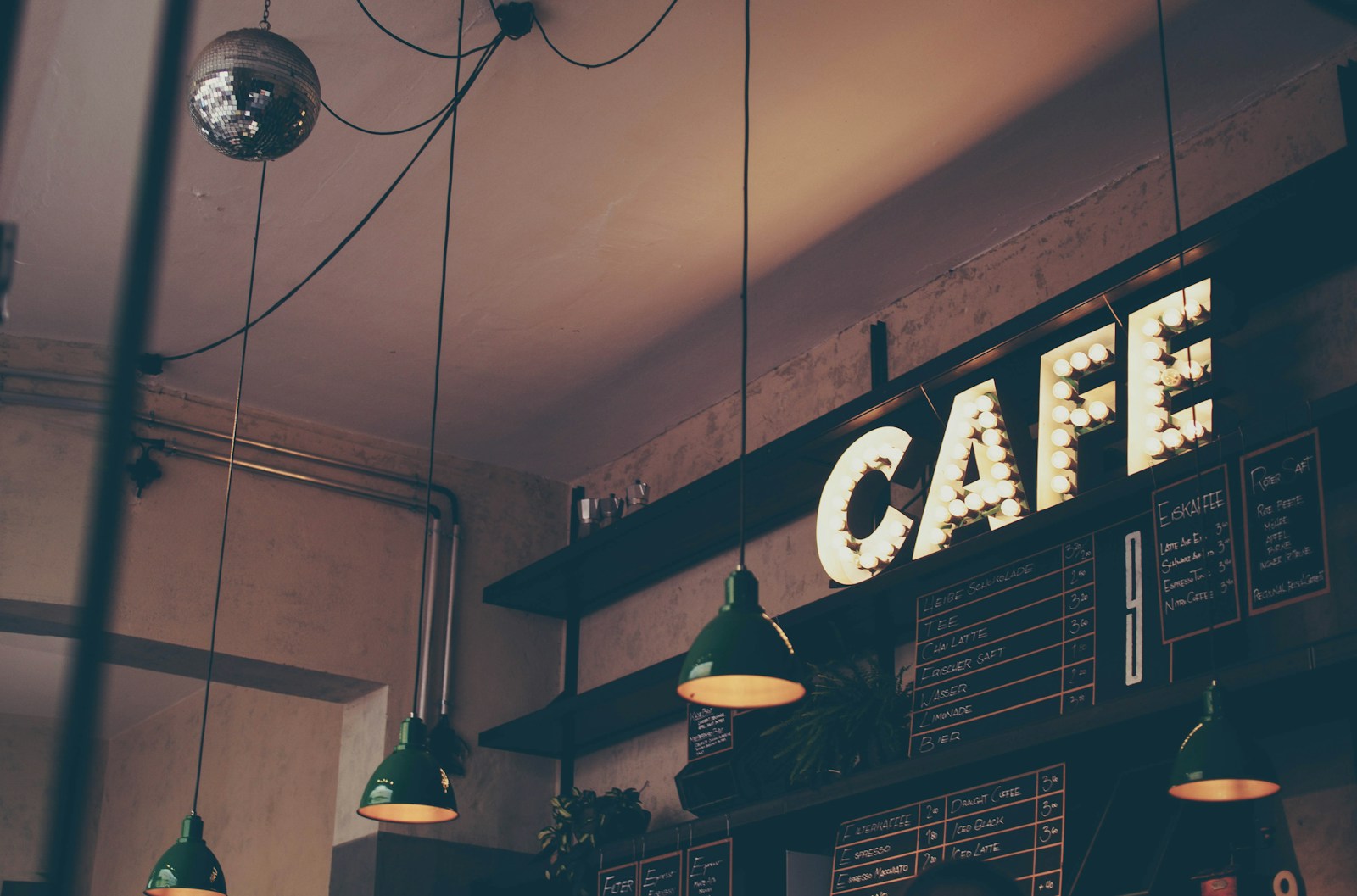
Real photos of your food and your room beat stock photos every time. People want to see the actual burger, the actual patio, the actual booths.
- Shoot food near a window in daylight. Skip the flash.
- Get a few wide shots of the dining room when it is busy.
- Show the outside of the building so people recognize it when they pull up.
- Swap in new photos each season.
A phone is plenty. Our phone-only photo guide walks through the basics.
What a restaurant website should include (and cost)
Our done-for-you website is $1,320 flat, paid upfront. It includes up to 5 pages, mobile-first design, basic SEO, a contact form, domain connection and 2 rounds of revisions. For most restaurants, that looks like:
- Home: hours, address, parking, order and reservation buttons
- Menu: full text menu with prices and dietary tags
- Catering and private events: menus, minimums, inquiry form
- About: your story, your people, photos of the room
- Contact and location: map, phone, directions
We can add buttons that link straight to your ordering tool and reservation system. A fully custom online ordering system is bigger work and gets quoted separately.
Hosting & Care is $32 a month or $320 a year and includes managed hosting, security and 1 hour of updates a month. For a restaurant, that hour usually goes to menu price changes, holiday hours and seasonal specials. If you want something that answers "Are you open Monday?" or "Do you have gluten-free options?" after hours, there is an optional $320 AI chatbot add-on.
Your checklist
- Menu as real text, with prices
- Hours on the homepage, matching your Google profile
- Tap-to-call phone number
- "Order Online" button near the top
- Reservation link or clear "call to reserve" line
- Address, map and parking info
- Catering page with an inquiry form
- Current events, or no events page at all
- Real photos of your food and space
Honest take: If you are a small spot with a short menu and no ordering, a complete Google Business Profile plus a simple one-page site may be all you need. Not every restaurant needs five pages.
FAQ
Should my restaurant menu be a PDF?
Not as your main menu. Text menus load faster on phones, are easier to update and are easier for search engines to read. Keep a PDF as an optional download if you want a printable version.
Should I stop using DoorDash or Uber Eats?
Probably not entirely. The apps bring discovery and delivery you may not be able to offer yourself. The smarter move is to keep them for new customers and steer your regulars toward ordering direct through your own site.
What is the cheapest way to take online orders?
Often it is the ordering feature built into the POS you already use, since you are paying for that system anyway. Compare the monthly fee and card processing costs against what you currently pay in app commissions. Fees change, so check current pricing before you commit.
How do I keep my hours accurate everywhere?
Update your Google Business Profile first, then your website, Facebook and delivery apps. Set holiday hours in Google a week or two ahead. If you are on our Hosting & Care plan, your monthly update hour can cover the website side.
Do I need a website if I already have Facebook and Instagram?
Social pages are great for specials and photos, but they are rented space and not everyone uses them. A website gives you a menu, hours and ordering link you control. Our post on whether you need a website if you have Facebook goes deeper.
Your business. A $1,320 website.
Up to 5 pages, mobile-first and basic SEO. One flat project fee, built for your business.
Get a $1,320 website