
PIXELCAP · CHROME EXTENSION
The easiest way to screenshot in Chrome.
No account. No watermark. Nothing leaves your computer.
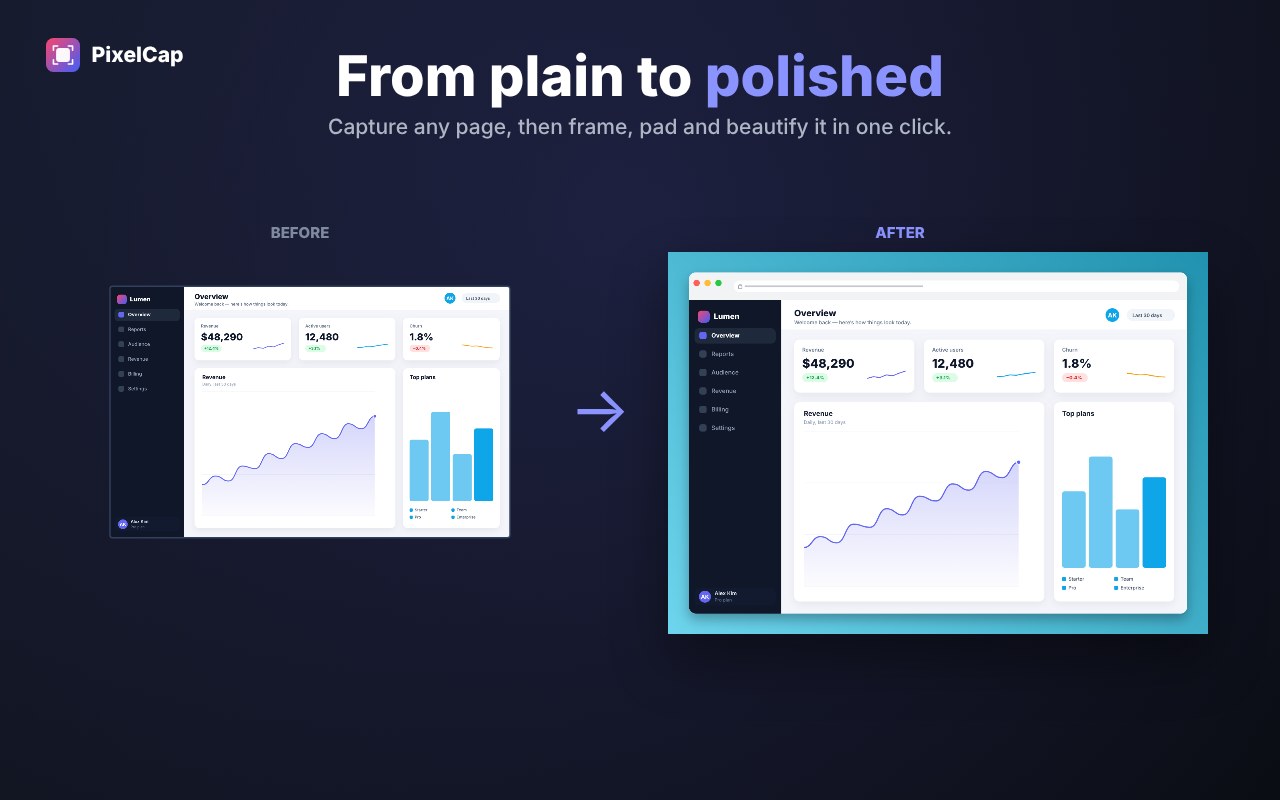
Capture the full page, add a background, point things out, blur the private bits, and export. All in your browser.
Watch the demoEverything your screenshot needs
- Full-page capture on any site, including dashboards and app pages that scroll inside a panel
- Visible area, drag a region, or pick a single element
- Custom backgrounds: any hex color, two-color gradients, or your own image
- Frames: macOS window, browser window, iPhone, Android, iPad
- Arrows, boxes, text, numbered steps and highlighter
- One-click blur to hide emails, names and tokens
- Export PNG, JPG or WebP, pick the size, or set a max file size
- Keyboard shortcuts and a right-click menu
How it works
- 01
Click PixelCap.
Pick full page, visible area, a region or an element.
- 02
Make it look good.
Background, frame, padding, arrows and blur.
- 03
Export.
PNG, JPG or WebP, or copy straight to your clipboard.
A closer look
Private by design.
PixelCap runs entirely in your browser. No account, no tracking, no uploads.
Read the privacy policyFrequently asked questions
Is PixelCap free?
Yes. Every capture mode, backgrounds, annotation, blur and every export format, with no watermark.
Does it work on long pages?
Yes. It scrolls and stitches the whole page into one image, and handles sticky headers so they only show once. It also works on app-style pages and dashboards that scroll inside a panel.
Are my screenshots uploaded anywhere?
No. Everything happens on your computer. PixelCap makes no network requests.
What formats can I export?
PNG, JPG or WebP. You can pick the size and set a max file size for upload limits.
Does it work in other browsers?
It is built for Chrome and works in Chromium browsers that install from the Chrome Web Store.